

User(s) can disable Multi Factor Authentication (MFA) for their account.
To Disable MFA for your account using self-service:
 1. Click Profile in the navigation bar at the top of the screen and select My Profile from the drop-down menu
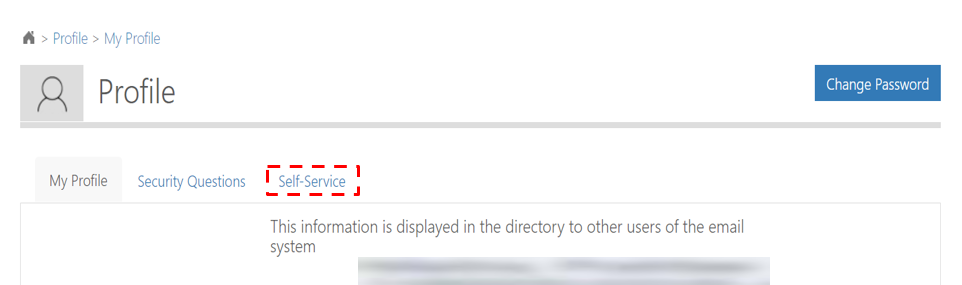 2. From My profile page, click on Self-Service
 3. Click Disable MFA from the Self-Service page
 4. Click Confirm to disable MFA for your account
 5. The following success message will be displayed
| Last Reviewed Date | 21/04/2021 |
