

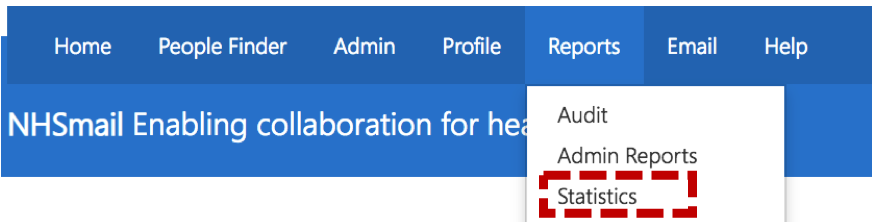
 Click Reports in the navigation bar at the top of the screen and select Statistics from the drop down menu.
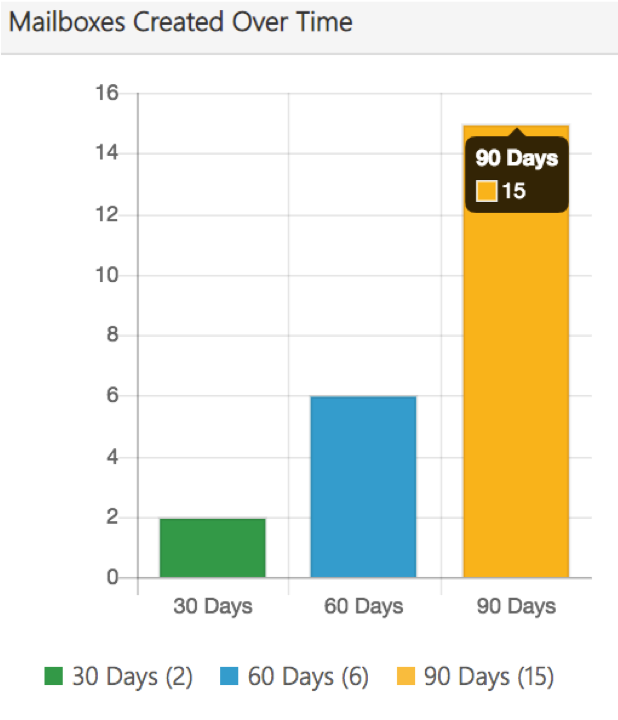
Once you have selected the Organisation, Organisational Statistics will appear on the screen.
Additional Information
- ‘Application Account’ can be found under the column header, ‘Account Type’ in Mailbox Report.
- Connector Report can be run for all organisations at the same time.
- Organisation Traffic Report is not available for organisations with less than 500 members.
- Organisational Statistics cannot be downloaded or exported in a file
| Last Reviewed Date | 04/02/2019 |
